No bank login. Ever.
Most budgeting apps want your bank credentials. Pockets never asks, so it works with any bank in any country, and your data stays on your devices and in your private iCloud.
 PocketsDownload on theApp Store
A calmer way to budget
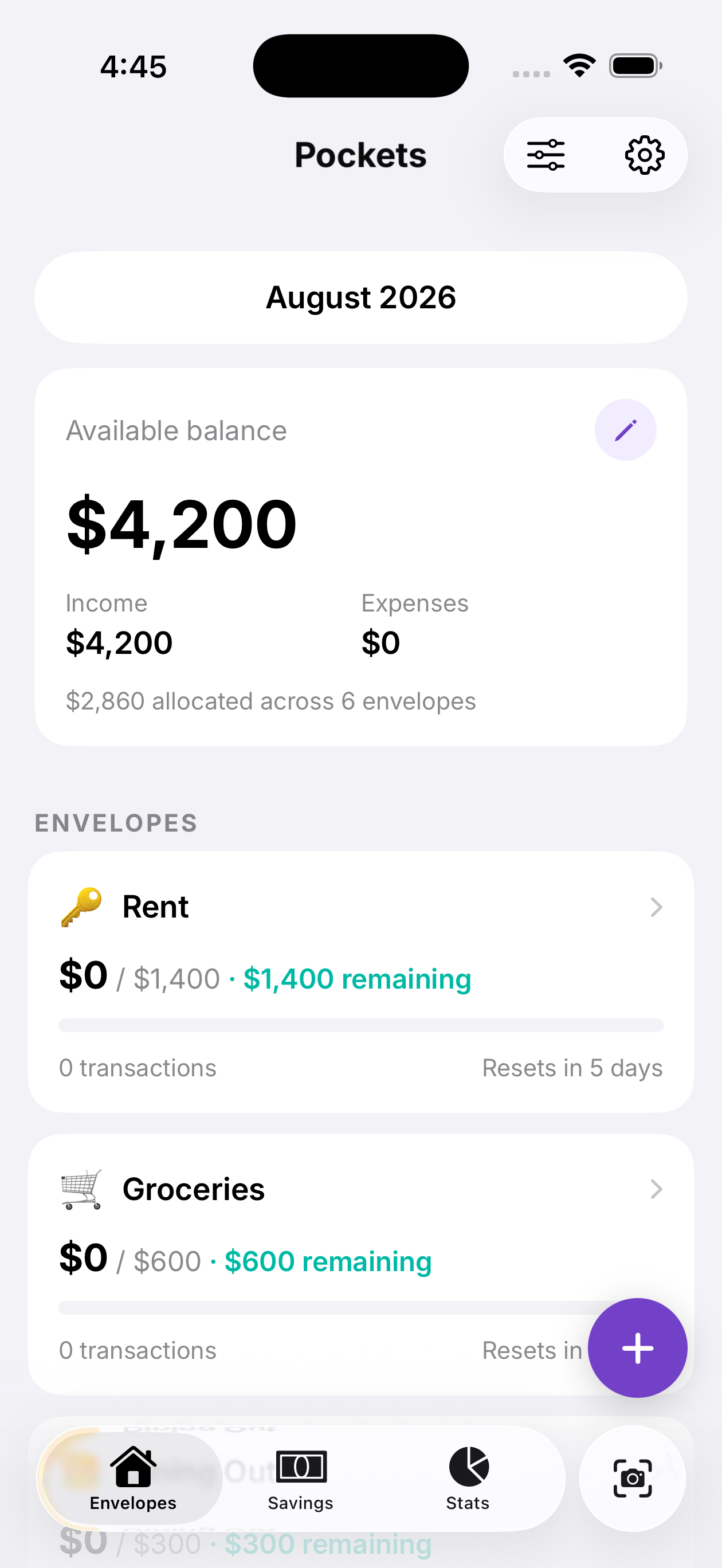
Plan your spending, log expenses and understand where your money goes—without connecting your bank.

No shame.
Just a clearer next step.

A note from the maker
I built Pockets because I wanted an easier way to understand where my money was going—without connecting my bank, wrestling with spreadsheets or feeling judged for every purchase.
Pockets is the budgeting app I wished I had: private, calm and practical, with Pip beside you as you give your money a place.
DiayanWhy Pockets
Pockets does the envelope method properly and leaves out what you don't want: no bank connection, no data mining and no guilt.
Most budgeting apps want your bank credentials. Pockets never asks, so it works with any bank in any country, and your data stays on your devices and in your private iCloud.
“40 on groceries and 20 on transport.” One sentence logs both. Not sure which envelope? Siri asks and reads the options aloud.
Scan a receipt or share a photo or PDF from any app. Pockets reads it on the device, so the receipt never goes to a server.
Weekly, monthly or custom periods, with optional rollover so unspent money carries forward instead of disappearing.
Coming from another app? See Pockets vs YNAB, Pockets vs Goodbudget, or read how envelope budgeting works.
Your money is personal
Pockets never asks for your bank login. Your financial data stays on your devices and in your private iCloud account when sync is available.
How Pockets handles privacy ↗Good to know
Pockets is a private envelope budgeting app for iPhone and iPad. You split your income into envelopes like groceries, rent and savings, log what you spend, and always see what is left in each one.
No, never. Pockets doesn't ask for your bank login. You add transactions yourself, say them to Siri, or scan a receipt, so it works with any bank in any country.
Pockets Pro costs $2.99 per week with a 3-day free trial, $9.99 per month, or $59.99 per year in the US. Prices vary by country, and Apple handles billing and cancellation.
Yes. Say “Hey Siri, log my expenses in Pockets”, then something like “40 on groceries and 20 on transport” to log both at once. If an envelope is unclear, Siri asks which one.
Scan a receipt with the camera, or share a photo or PDF to Pockets from another app. Pockets reads it on your device, so the receipt isn't uploaded to a server.
Yes. Pockets supports iPhone and iPad running iOS or iPadOS 26 or later, with automatic private iCloud sync between your devices.
Every budgeting feature, receipt scanning, Siri logging, recurring transactions, savings goals, widgets, themes and matching widget palettes.
No. Financial amounts, balances, merchant names, envelope names, receipt contents and anything you type are never sent to analytics.
Start where you are
You just need a clearer place to begin.
Download on theApp Store